
Fleetio is a collaborative tool, and best practices for fleet management include controlling who can do what in Fleetio through User Roles & Permissions and Record Sets. It's also helpful to monitor which Users have accessed Fleetio when and through which interface - the Fleetio Web App or Fleetio Go.
This information is available in the Contacts Index, which you can view by clicking Contacts in the Sidebar Navigation.
The Last Login column can be used to find Users who are no longer active in the system and, thus, can be deactivated. You can also ensure Users who should be performing certain tasks are accessing Fleetio as expected.
If you do not see the Last Login column, click Index Settings and select Manage Columns.
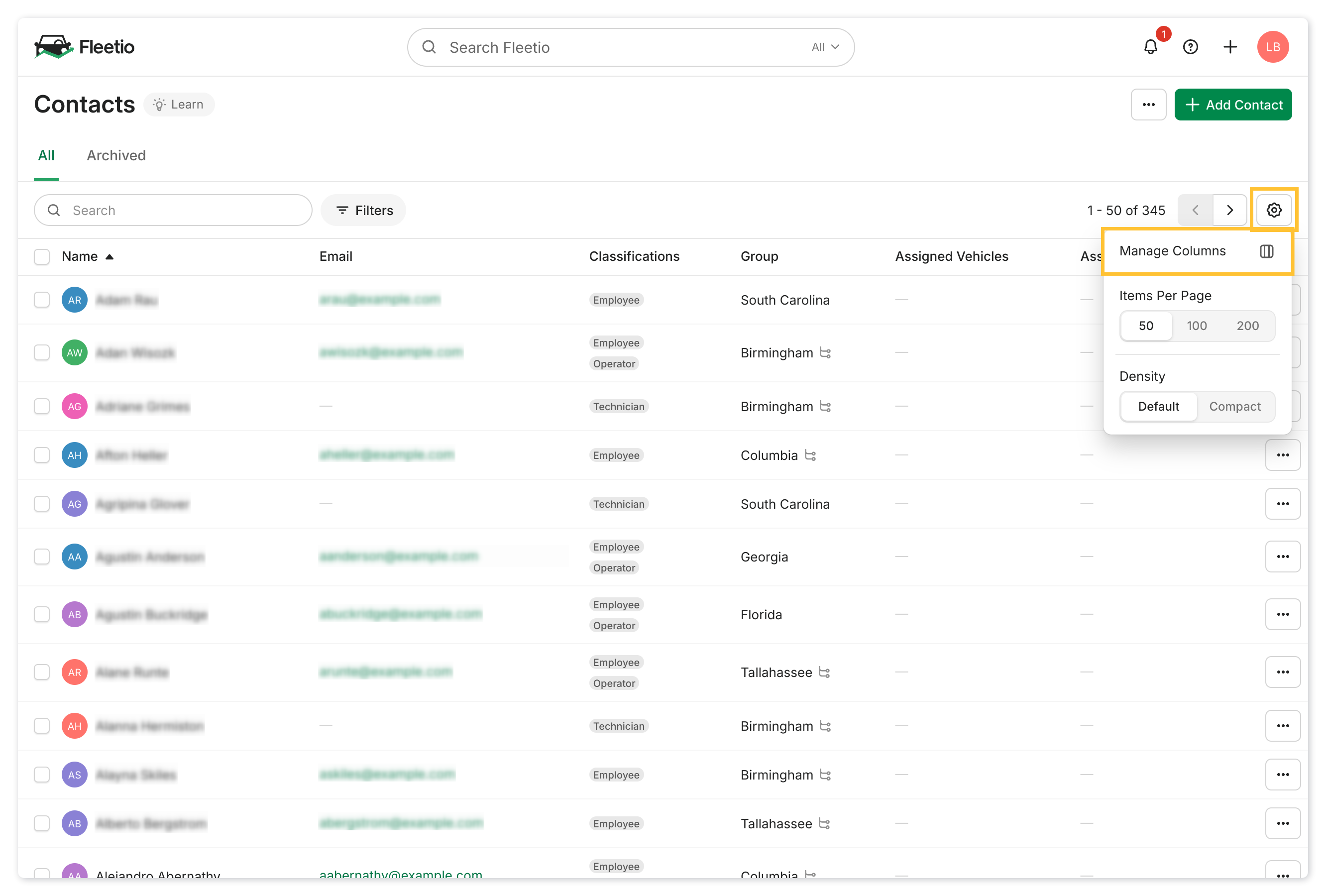
Select the checkbox for Last Login and save your changes. The column will now be displayed on all tabs in the Contact Index.
